Home lab & NAS
New ARR stack media server setup
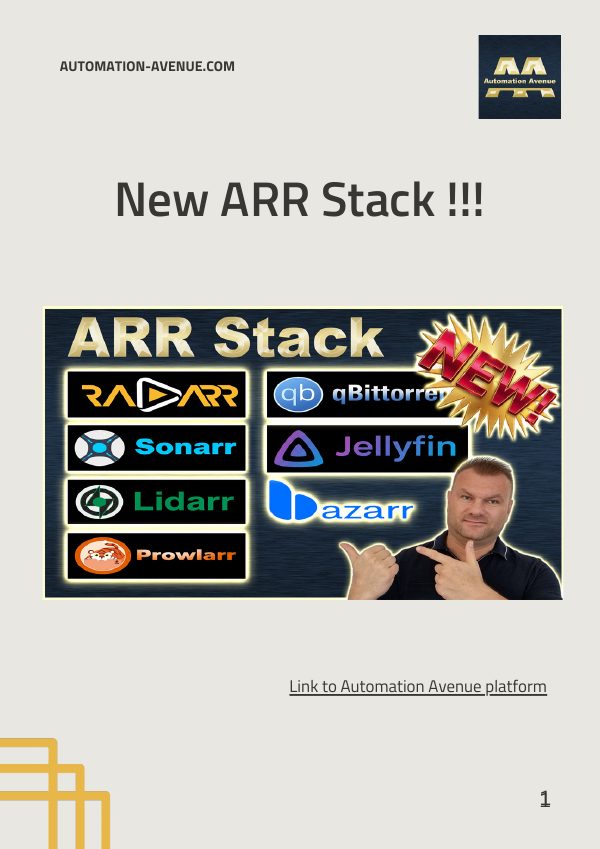
Radarr, Sonarr, Lidarr, Prowlarr, Bazarr, qBittorrent and Jellyfin, configured end to end.
Download PDFProxmox · Docker · Networking · Local AI · n8n
Step-by-step video tutorials for Proxmox servers, Docker stacks, NAS storage, VPNs and self-hosted AI, with free PDF guides for the longer builds.
 Latest upload
What's covered
Install Proxmox VE, run VMs and LXC containers, set up GPU passthrough and build clusters.
Media servers, ARR stacks, Jellyfin, network shares and storage that keeps your data at home.
Compose files, Portainer and the containers worth running on a home server.
VLANs, VPNs, Pi-hole, DNS and packet captures that show what your devices are really doing.
Run language models on your own hardware and wire them into n8n automations.
AWS, Terraform and Kubernetes, explained from the account setup onwards.
Video library
No videos match that search.
Try a shorter term, or .
Free downloads
Every command and setting from the longer builds, laid out in order so you can follow along at your own pace.
Home lab & NAS
Radarr, Sonarr, Lidarr, Prowlarr, Bazarr, qBittorrent and Jellyfin, configured end to end.
Download PDFDocker
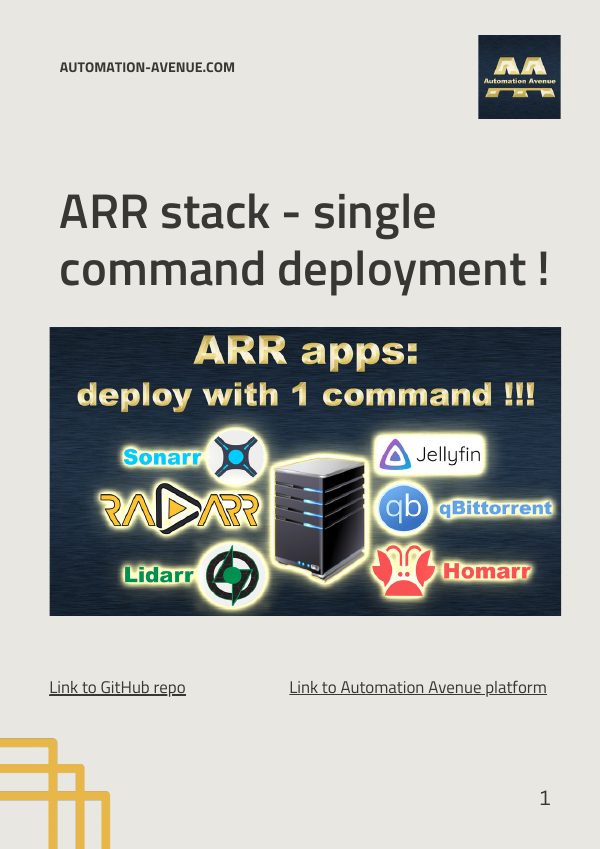
Deploy the whole media stack, including Jellyfin and Homarr, with one command.
Download PDFNetworking & privacy
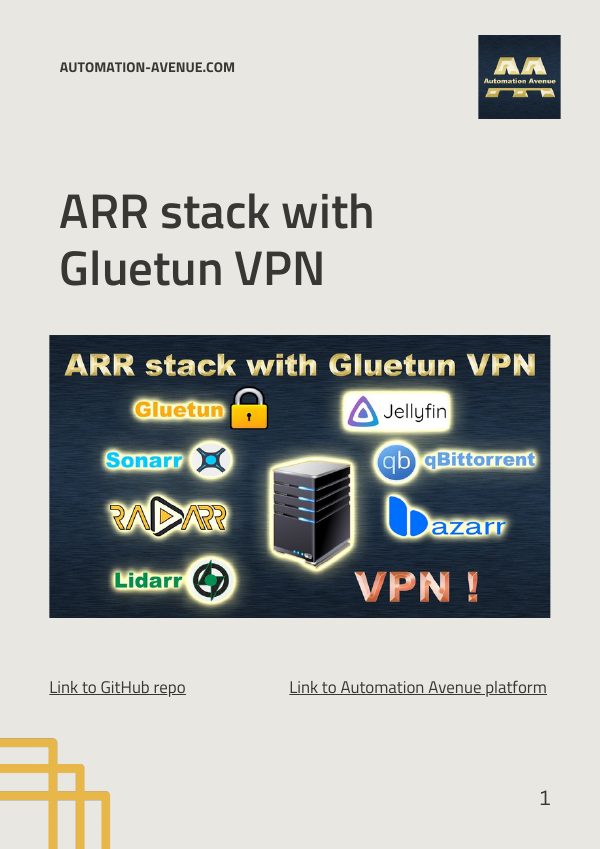
The same media stack, with download traffic routed through a Gluetun VPN container.
Download PDFProxmox
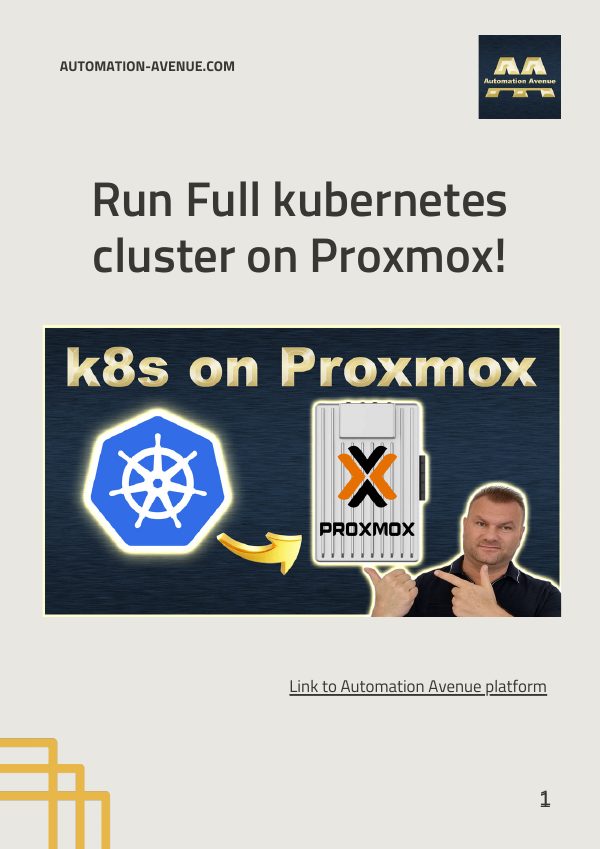
Build a full Kubernetes cluster from virtual machines on a single Proxmox host.
Download PDFLocal AI & n8n
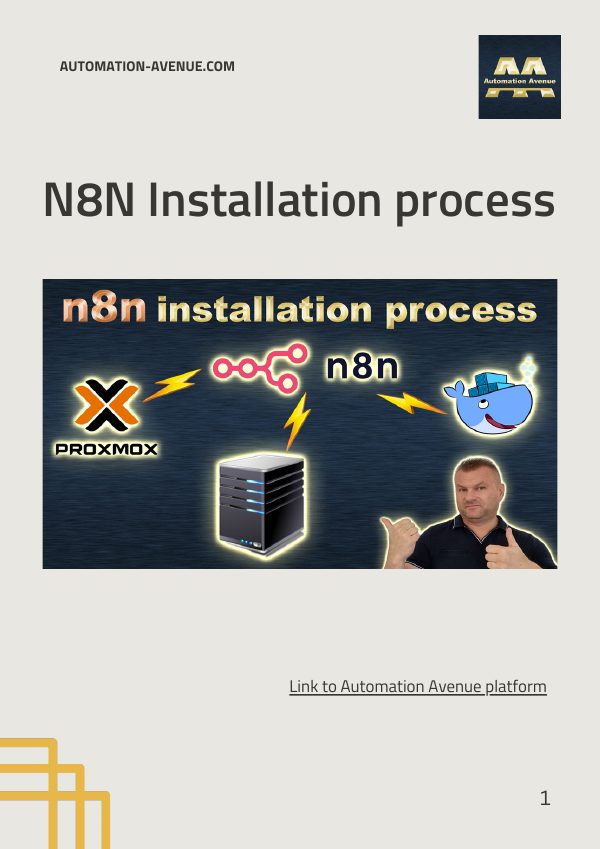
Self-host the n8n automation platform with Docker on your own server.
Download PDFCloud & DevOps
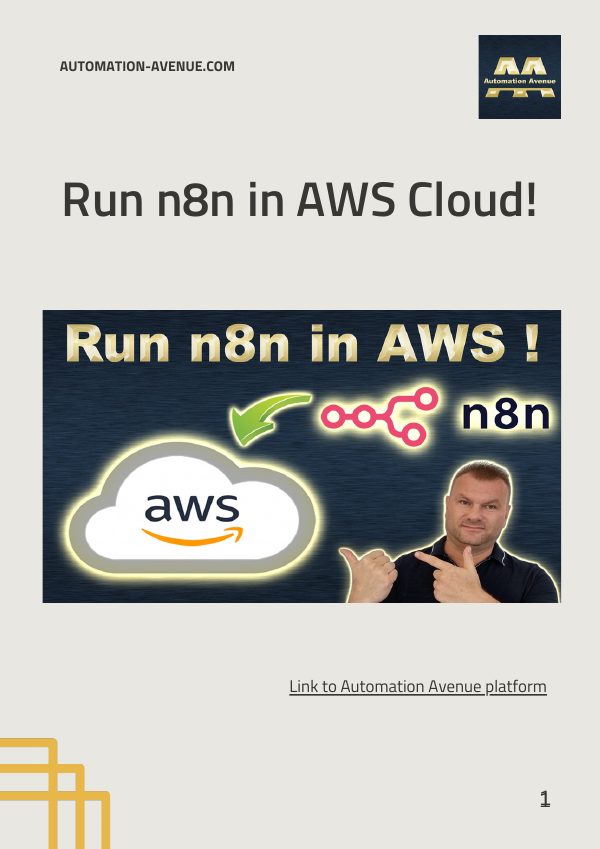
Put your n8n instance in the AWS cloud so your automations run around the clock.
Download PDFNetworking & privacy
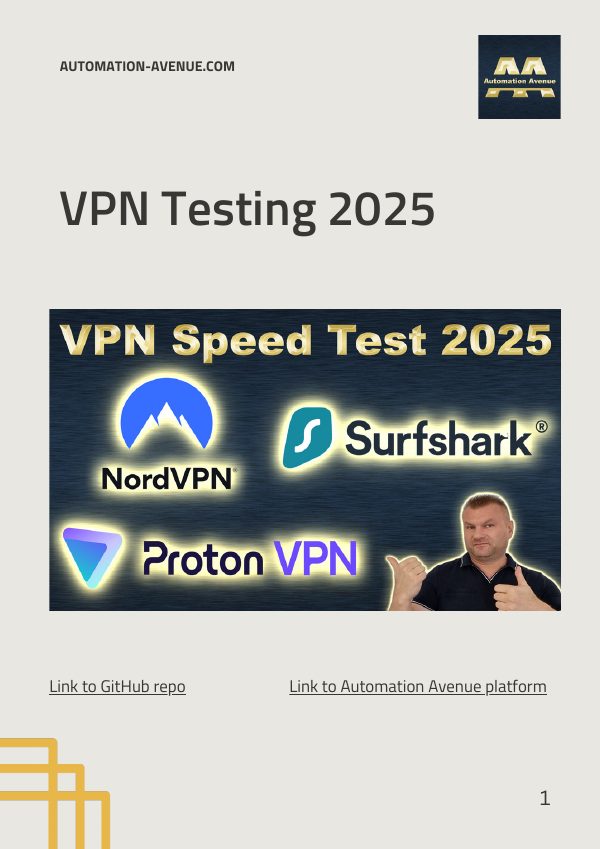
Compare VPN providers side by side using Gluetun and Docker Compose.
Download PDFAbout
Automation Avenue is a YouTube channel for people who would rather run their own infrastructure than rent it. Proxmox servers, NAS boxes, Docker stacks, VPNs and local AI models, taken from a clean install to a working setup.
Each video walks through the whole build, and the longer ones come with a PDF guide so you can copy the commands instead of pausing the video every ten seconds.
Visit the channel on YouTubeContact
Stuck on a step in one of the guides, want a topic covered, or have a project in mind? Send an email.